Zoom Learning for young learners
I have conducted 20 Zoom sessions so far on the Zoom with my new Acer laptop and it is quite a big change getting used to home based working. First, I needed to purchase a new Acer laptop with the sole purpose of the camera so that I can use Zoom with the video function to see my students. Second, I needed to register for a new Zoom account to get lessons rolling. Finally, I have to transit all lessons for students below 18 years old online during the phase 2 heightened alert period in Singapore.
Transition to online learning
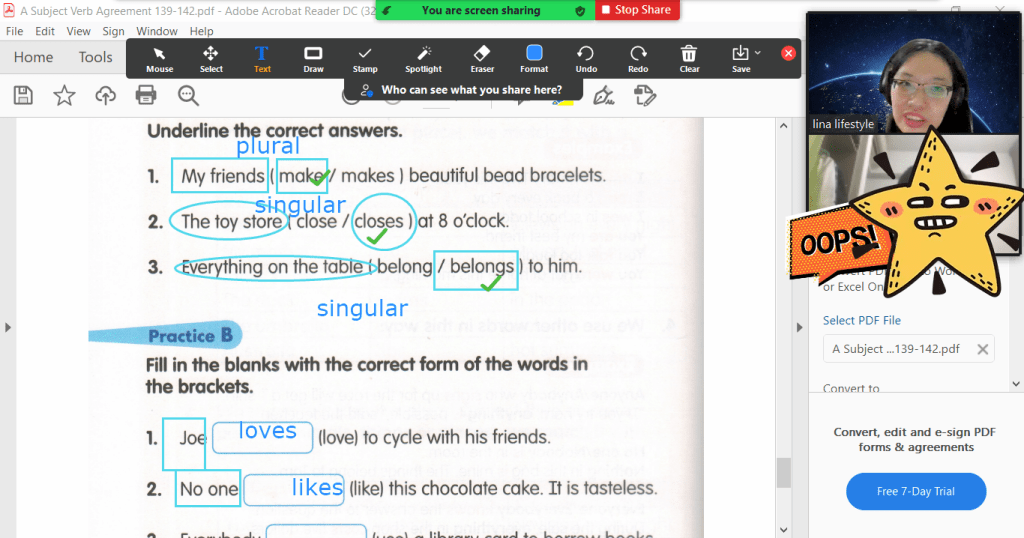
From May 20, I have to seamlessly transit from where I last stopped for the physical lessons for each student. This is where I have to scan the same materials to ensure continuity and familiarity for the young learners who are used to the textbooks and learning materials.
To ensure that they can follow the lessons, I have to create unique Zoom lesson plans so that the lessons can take place online smoothly. This step is necessary for young learners to keep pace with the change. Behind the scenes, there are lots of transfer of data from my scanner to computer desktop to thumb drive and to laptop. After two weeks of conducting mostly 1.5 hours session using Zoom, my Zoom started crashing.
Zoom Crashing
For a while, I have gotten used to Zoom crashing due to heavier usage. For the first two weeks since I started Zoom, whenever the Zoom application kept crashing, it was nerve wrecking to have to re-enter Zoom again and again. I decided to fix the problem. I am thankful that there is helpdesk from Zoom’s main website to find a solution to the crash. After going through the helpful AI “Bolt”, I managed to figure out that I needed to uninstall Zoom and reinstall it again.
Installing Zoom
I deleted the Zoom program only to realize that I could not log into the Zoom account after I reinstalled the Zoom client. I even tried registering for a zoom account again and resetting the password to no avail. I was logged out of my own Zoom account for half and hour after more than 6 tries to get the password to work on the Zoom client. Finally, I realized that I have to uninstall Zoom by going to the Settings page and remove the program totally as this process clears the cache. True enough, after doing that when I reinstalled the Zoom client automatically appeared. Alas, I could use the Zoom again.
Clear Skies
I was glad that the technical problems can be resolved with a comprehensive helpdesk from Zoom who can troubleshoot almost any sort of problems. Seeing clear skies again, I hope that I will be able to steer towards smooth seas in my online learning journey. It is indeed stressful to encounter these technical problems as I am not a fan of Information Technology. This experience spurs me on to continue learning more about tools from working at home in the new normal. Hope to see clear skies in Singapore once again!
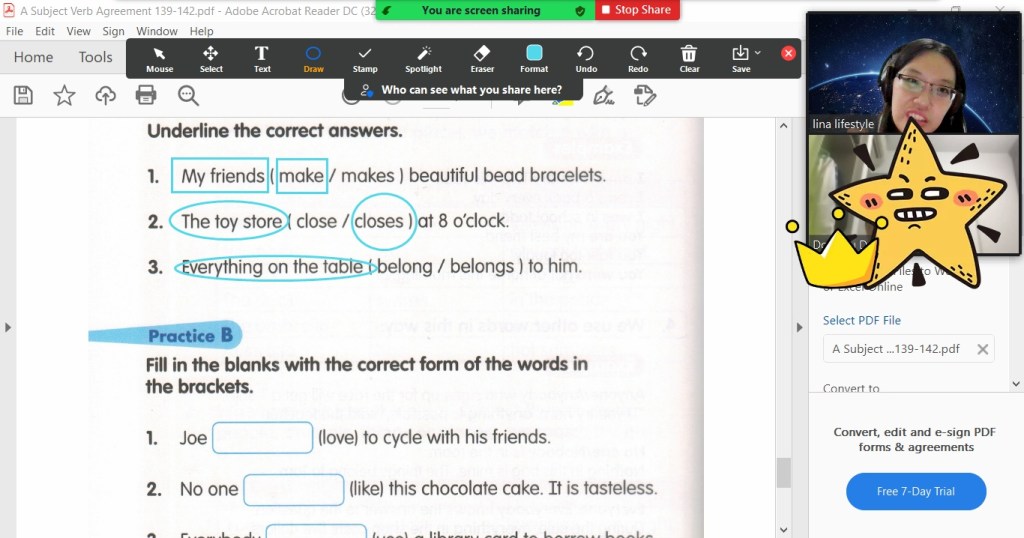

Photo by Ruvim on Pexels.com
 All about Lina Lifestyle